
Overview
This article provides a comprehensive overview of all the graphic options available through GotPhoto’s Next Gen Sports Graphic Service, including a breakdown of the codes used in the Next Gen checkout process. When using the Next Gen Graphic Service, you will use these codes to select products for individual poses. View a demo of the full Next Gen ordering process here .
Choose our default graphics selection, or customize your options to match your most popular products.
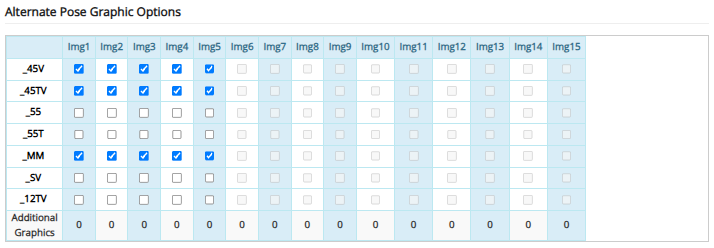
Below, you can find a sample graphic for each option:
- 45V: Vertical graphic in a 4x5 ratio
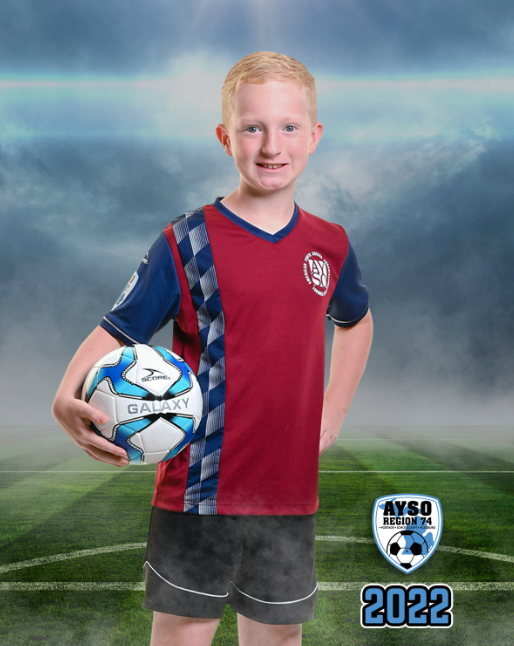
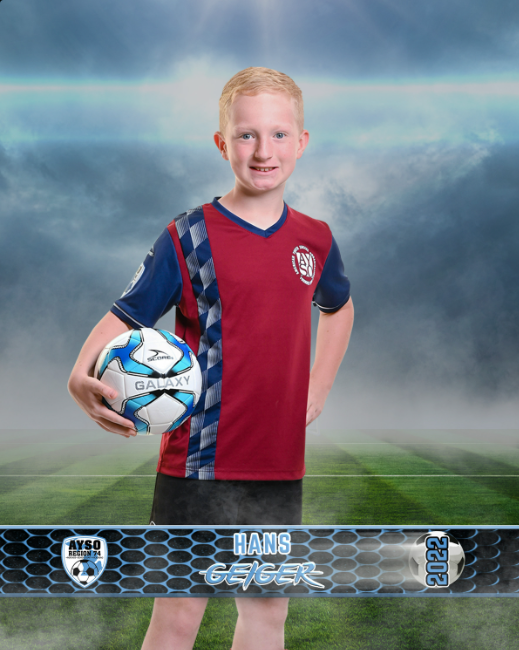
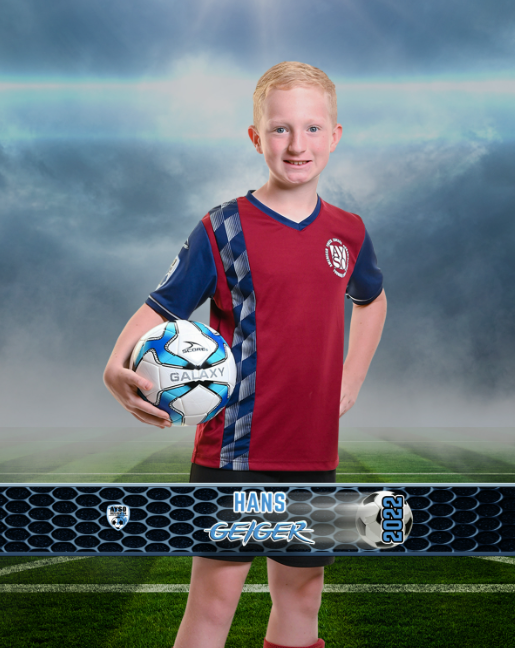
- 45TV: Vertical graphic in a 4x5 ratio with text
- 55: Horizontal graphic (commonly used for buttons)
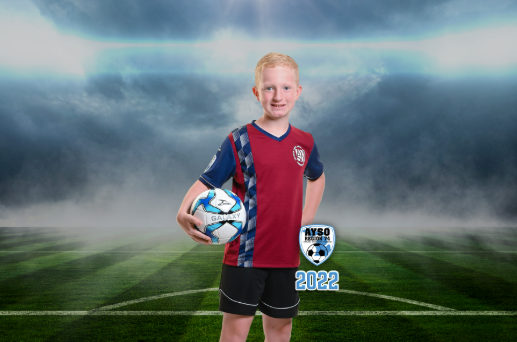
- 55T: Horizontal graphic with text (ideal for buttons or round products)
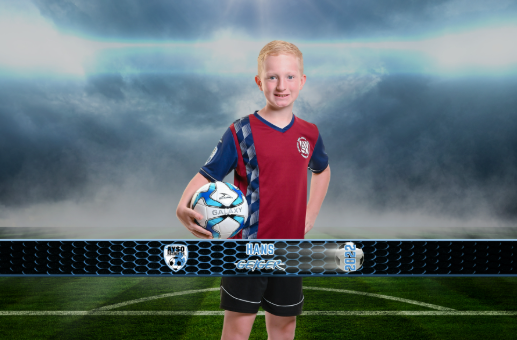
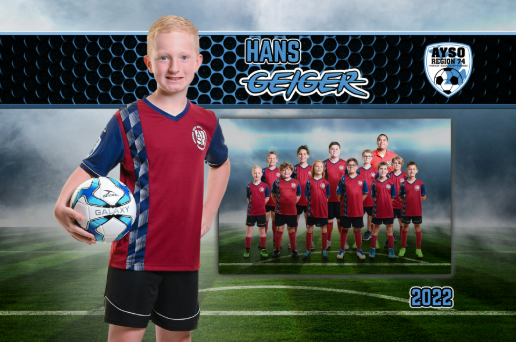
- MM: Dynamic memory mate design
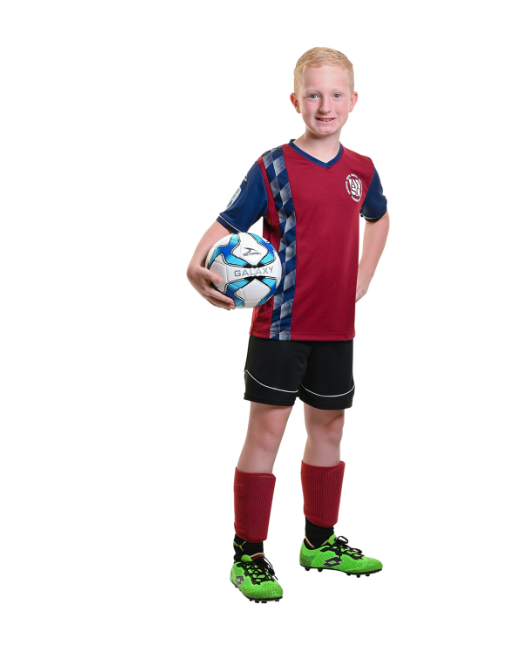
- SV: Extracted image on a white background (perfect for laser-cut products like statuettes)
- 12TV: Vertical graphic in a 1x2 ratio with text
All available templates, backgrounds, and graphics currently available for use directly within Next Gen are displayed on their website here: T&I Graphic Sets, Individual Banners and Team Panos. If the desired graphics aren't shown there, it's likely that they were created by a third party, such as Off the Trail Graphics and Josh Hanna Photography. Both parties can be commissioned to create graphics for use within Next Gen on GotPhoto. Compatible third-party templates can be added to your Next Gen account by emailing your proof of purchase to support@nextgenphotosolutions.com anytime.