
Table of contents
Overview
Stripe Express provides several financial reports accessible in the Financial Reports section of your GotPhoto admin area. This article explains the function of each available export.
Please note: These reports are generated by Stripe, not GotPhoto.
The different reports
All reports have a 2-business day delay, meaning data becomes accessible only after that buffer. The latest selectable date is always "Current Day - 2." Report generation may take up to 3 hours, and downloads will start automatically once complete. Keep the browser tab open until the download begins.
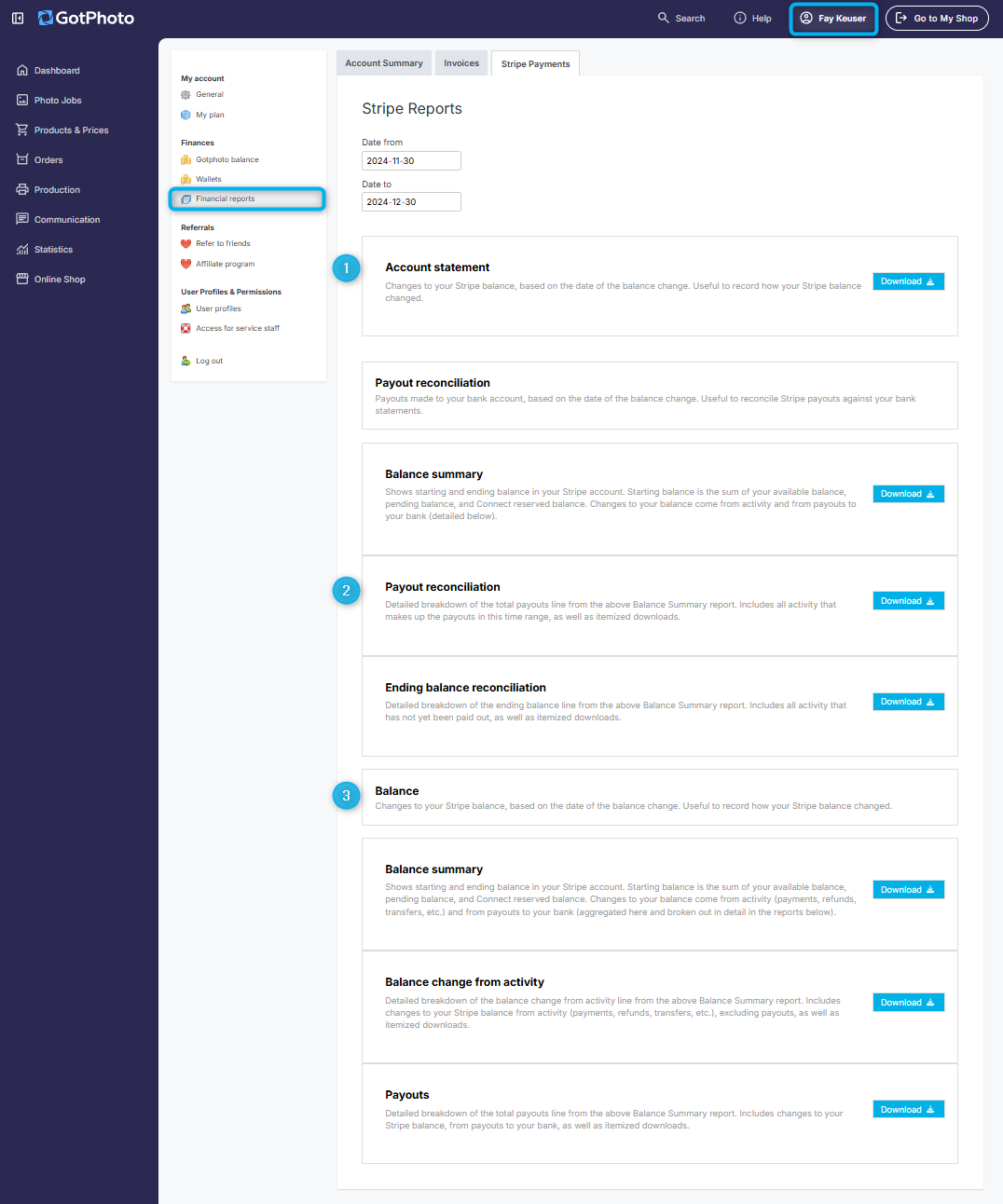
- Account statement
Monthly summary of transactions, fees, and balances.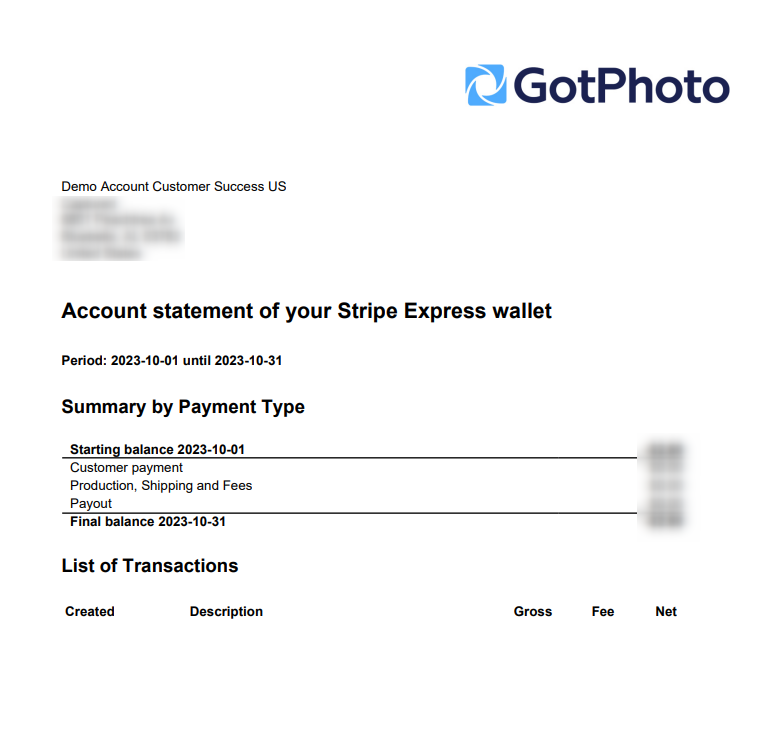
- Payout reconciliation
Helps match Stripe payouts to your bank deposits.- Balance summary: Overview of payouts and balance changes.
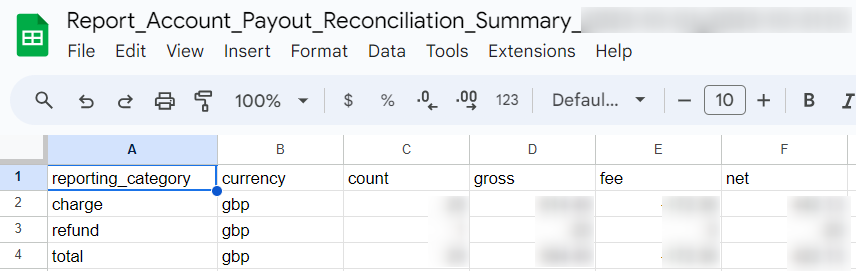
- Payout reconciliation: Itemized list of payout components.

- Ending balance reconciliation: Matches transactions to corresponding payouts.

- Balance summary: Overview of payouts and balance changes.
- Balance
Chronological log of all balance changes within your Stripe account.- Balance summary: Provides totals and changes across a selected period.
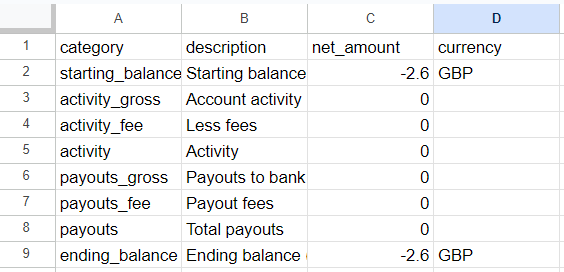
- Balance change from activity: Lists all financial events including fees and refunds. Useful for reconciling GotPhoto orders by order number.

- Payouts: Displays payout details and associated fees (excluding service fees).

- Balance summary: Provides totals and changes across a selected period.
The takeaway
For accurate financial tracking, consider cross-referencing multiple Stripe Express reports. This provides a full view of your transactions and payouts, improving your financial oversight and accounting accuracy.