
Table of contents
Overview
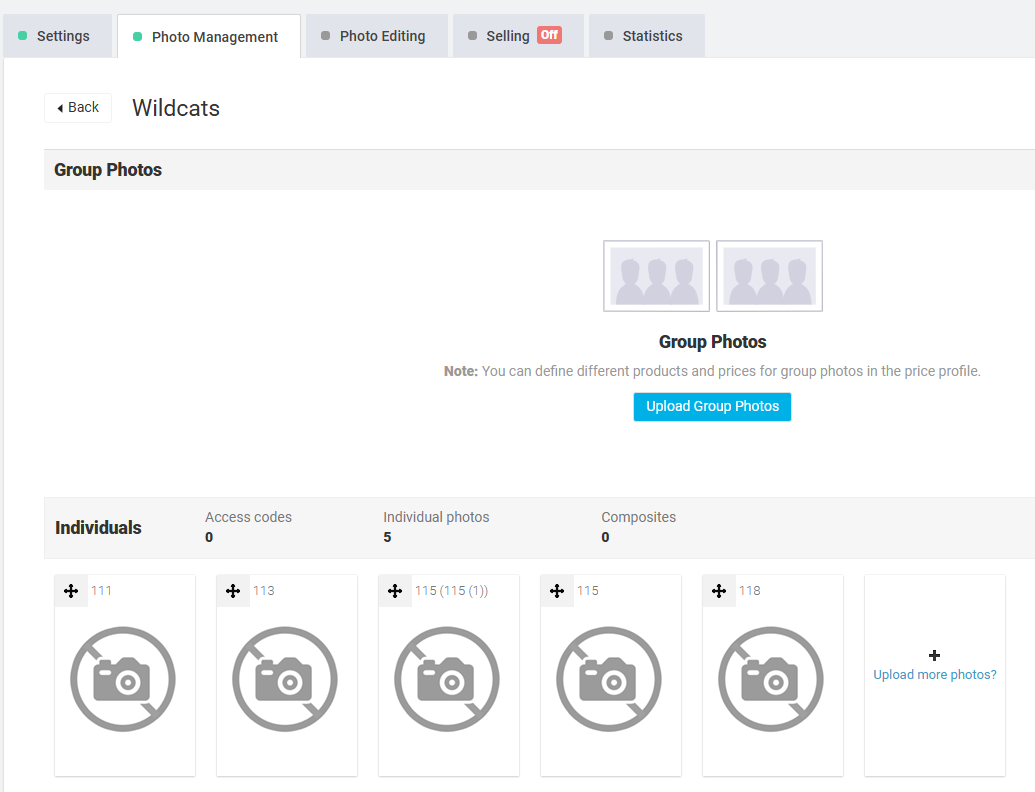
If the photos you uploaded to your job do not display in Photo Management, you may instead see placeholders with a crossed-out camera icon.
Root cause
This issue happens because of a missing or corrupted watermark file.
Solution
Check your watermark settings to confirm that the file you uploaded is valid:
- 1If you uploaded a corrupted watermark file, replace it with a correct version.
- 2If the watermark file cannot be fixed, set a different watermark in the system.
Once the watermark is updated, your photos should display normally in Photo Management.
The takeaway
If photos show as crossed-out cameras, it usually means the watermark file is missing or corrupted. Replacing or updating the watermark resolves the issue and restores proper photo display.