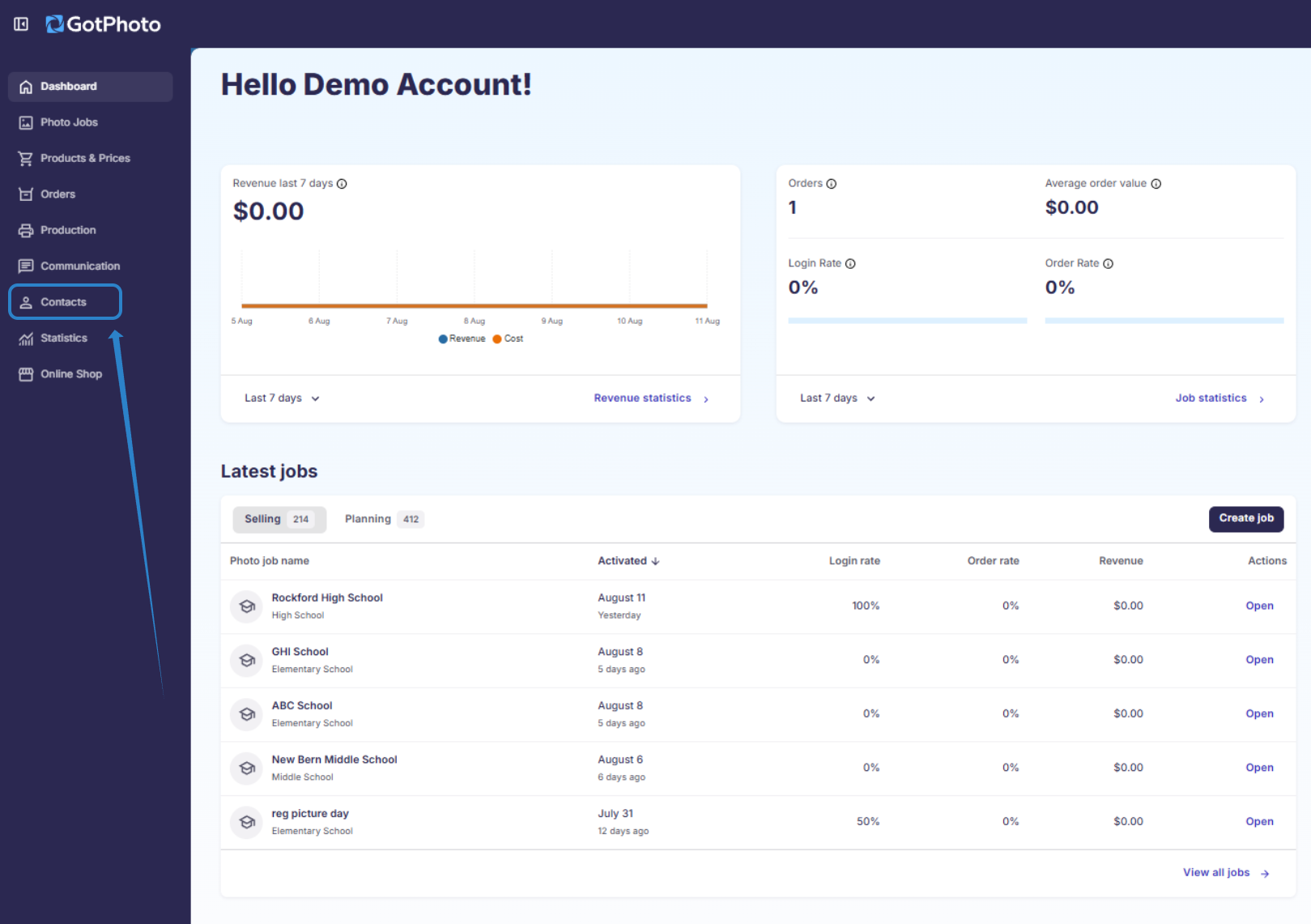
The Contacts Page can be found by clicking the Contacts tab in the left-hand navigation menu.
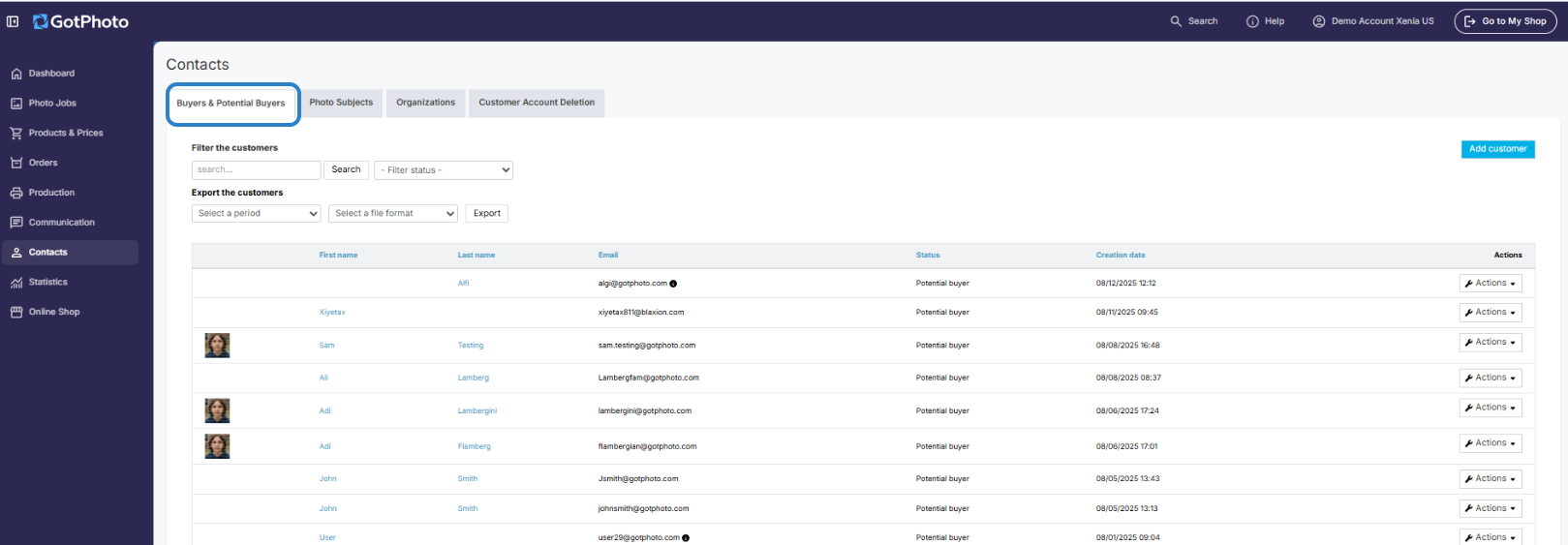
The following actions can be performed on this page:
- 1Manually add a customer by clicking on the blue + Add customer button. It is recommended to at least have a name and email before adding a customer. This way, you can include them in future newsletters. Note: Customers added here are still not attached to a photo job or access code until they sign in to the shop with a code.
- 2Search for customers by entering a name into the search bar, or use the filter dropdown to sort customers by their current status.
- 3Export a customer list by selecting a time period and export format (CSV or XLS).
- 4The Actions dropdown gives you the option to edit or view a customer profile.
- 5Clicking on a customer's name will open their customer profile.